How to Create and Verify Your Elefin Account in 2026 (Step-by-Step Guide)
Posted on September 7, 2026
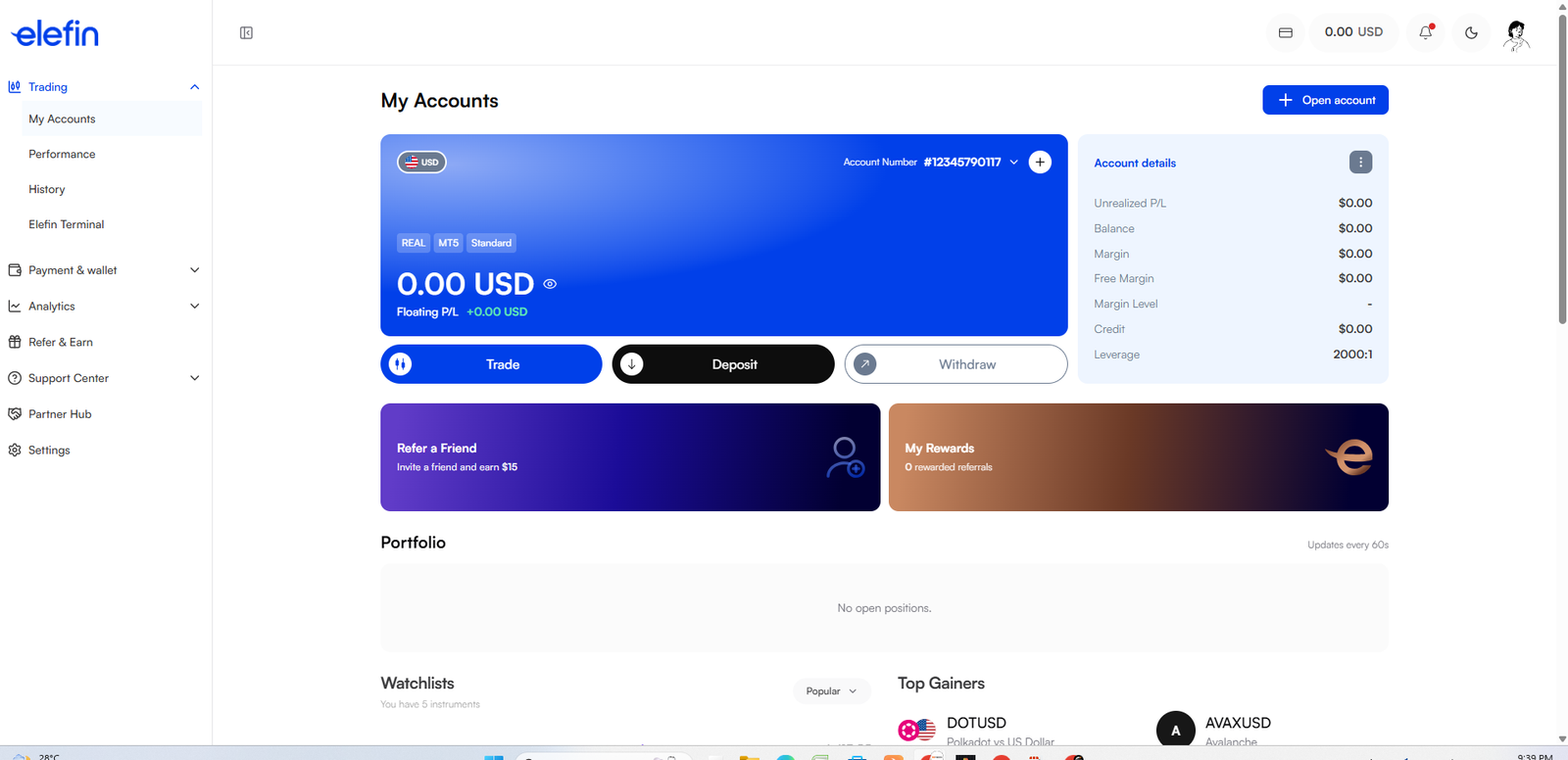
If you are looking for a reliable broker with ultra-low spreads, blazing-fast execution, and seamless local deposits, Elefin is one of the best choices available today. Opening an account is entirely digital and takes just a few minutes.
In this guide, we will walk you through the exact step-by-step process of creating your Elefin account and completing the KYC verification using your PAN, Aadhar, or Driving License.
Step 1: Go to the Official Elefin Registration Page
To get started, you need to visit the official Elefin signup page. Clicking the link below ensures you are on the secure, official website and qualifies you for any available partner benefits.
👉 Click Here to Open Your Elefin Account
Step 2: Enter Your Email and Password
Once you are on the registration page, the process is very straightforward:
- Email Address: Enter a valid email address that you use regularly. All your deposit/withdrawal confirmations and trading credentials will be sent here.
- Password: Create a strong password. Use a mix of uppercase letters, lowercase letters, numbers, and special symbols for maximum security.
- Referral Code: If you used the link above, the partner code will be applied automatically.
Click on "Sign Up" or "Register" to proceed.
Step 3: Verify Your Email
Check your email inbox. Elefin will send you a verification link or a 6-digit OTP code. Click the link or enter the code on the website to verify your email address. This proves that you own the email account.
Step 4: Complete Your KYC Verification (Important)
Elefin is a regulated broker, which means they are legally required to verify the identity of all their traders. You will not be able to trade or withdraw funds until your documents are verified.
Log in to your new Elefin dashboard and navigate to the Settings > Documents section. You will need to complete two types of verification:
1. Proof of Identity (POI)
You need to upload a clear, colored photo of a government-issued ID. In India, you can easily use:
- PAN Card (Most recommended for Indian traders)
- Aadhar Card
- Driving License (DL)
- Passport
2. Proof of Residency (POR)
Next, you need to prove your address. The document must show your full name and the exact address you entered during registration. You can use:
- Bank Statement (Not older than 3 to 6 months)
- Utility Bill (Electricity, Water, or Gas bill)
- Aadhar Card (If it has your full address on the back)
Verification Tip:
Make sure all four corners of your document are visible in the photo and there is no flash glare hiding your details. The verification process is usually completed very quickly once clear documents are submitted!
You're Ready to Trade!
Once your documents show as "Verified" with a green checkmark in your dashboard, you are fully ready to go! You can now make your first deposit via Crypto or UPI, open your MT5 or Elefin Terminal, and start trading the markets.